
Open the 5Keys Engage App and select "log in".
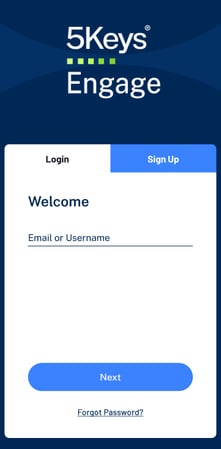
Note that you must select "Log In" rather than "Sign Up".
Once you have an account, you do not need an activation code to register again. If you are asked for an activation code, you have opened the incorrect screen. You should be asked for your email address and 5Keys Engage password to access your account again.
Enter the email address that is associated with your 5Keys Engage account.
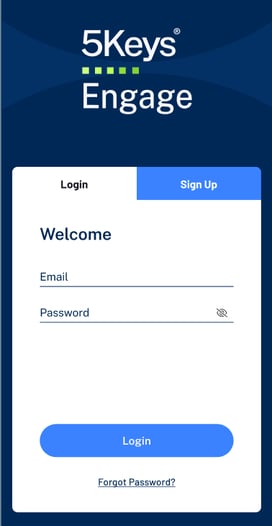
If your email is recognised, you will be asked to enter your password.
Some organisations opt to use SSO to access 5Keys Engage, and the login process differs from the above process.
If your organisation uses SSO for 5Keys Engage, you should refer to the "What is the SSO process?" article for further guidance