
The Home screen has the following sections:
Usage stats
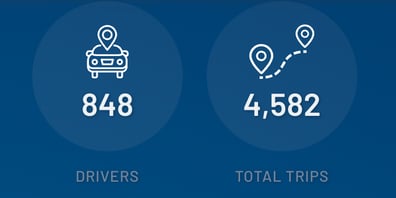
Quickly understand, for the group that you are currently viewing, how many drivers are Live (i.e. logged into the Driver App and recording trips), and how many trips and business miles have been recorded.
Latest Insights
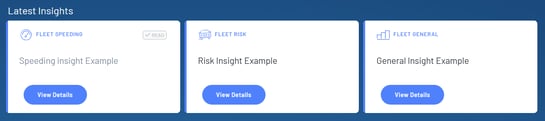
Read the latest insights that have been generated for you to quickly understand priority action items.
Note that insights will not be generated until we have collected sufficient data across your fleet with a large enough set of drivers to be able to derive meaningful insight (i.e. typically around 6 weeks after deployment).
14 Day Summary
Trends:

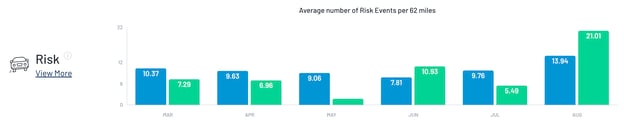
This is where we recommend that Managers focus to understand how their Drivers are performing over time.
You can choose between periods of 4 weeks to 6 months to give a view of short and long term trends across each of the Five metrics.
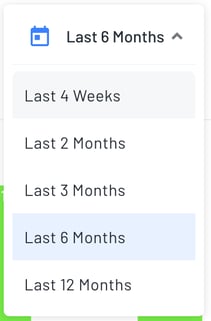
If you have groups defined for your drivers you can also use this view to compare how a group is performing against other groups or the wider fleet.
Export Data

Press here to export the data that you are currently viewing into a PDF.